
Data-Driven Post-Flight Debrief
4-minutes on:
CloudAhoy Highlights
3-minutes on:
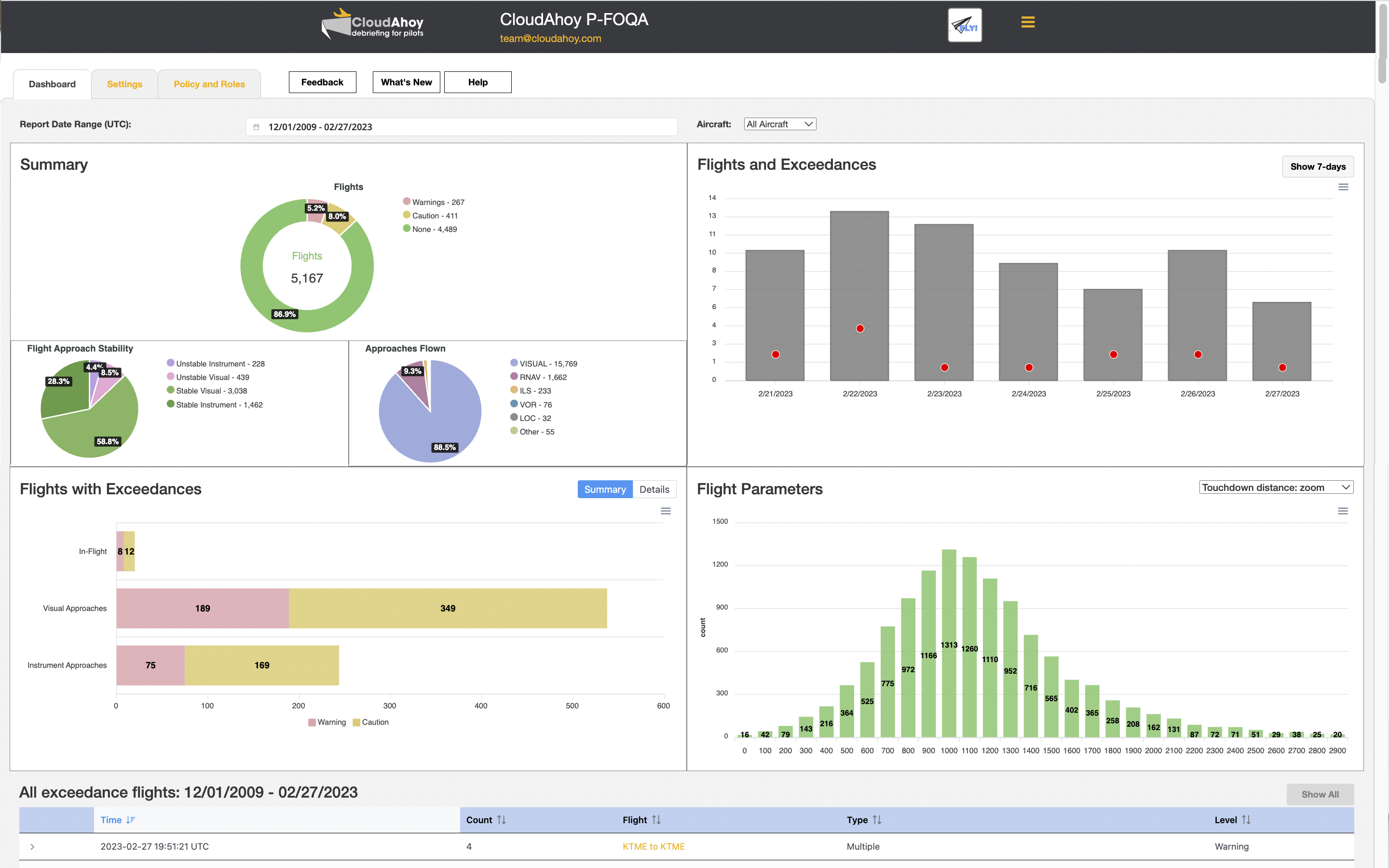
CloudAhoy at a Glance
5-minutes on:
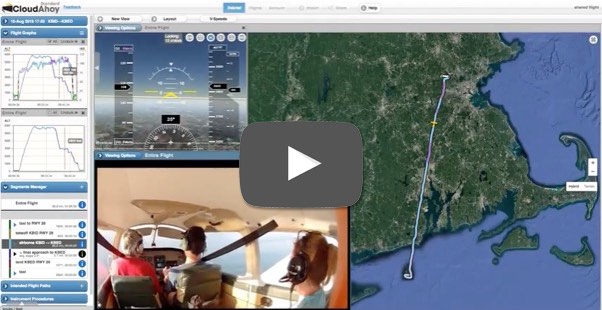
Debriefing with Video
Stabilized Approach
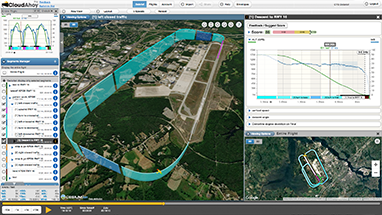
Look at a single approach after decluttering. See at a glance how stabilized the approach was - then dive into details.
Learn More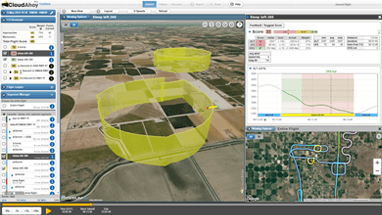
Flight Training
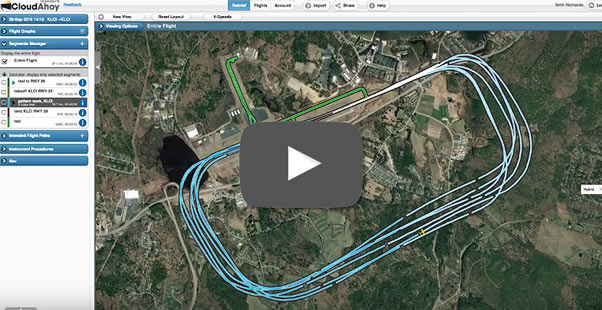
Fixed-wing, rotorcraft or glider: See at a glance how well each maneuver was executed - then dive into the details.
Learn More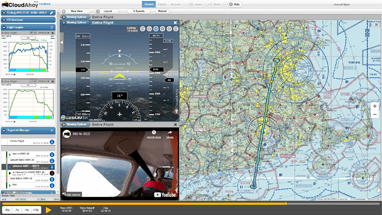
Flying for Fun / Destination
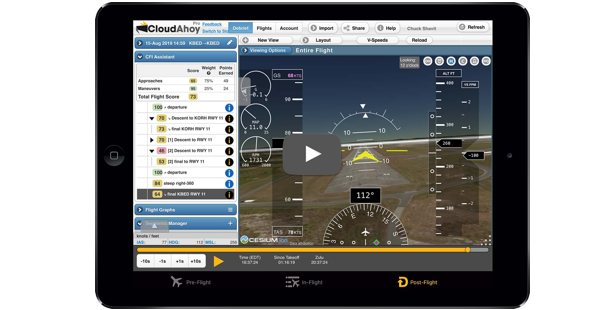
Relive a memorable flight! Add Cockpit View (a.k.a. synthetic vision), add in-flight video. Click the Play button - and enjoy.
Learn More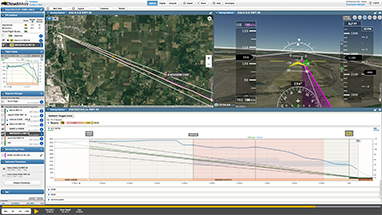
IFR - Training and Currency
Check your lateral and vertical accuracy by comparing your flight to color-coded 2D and 3D published FAA approach.
Learn More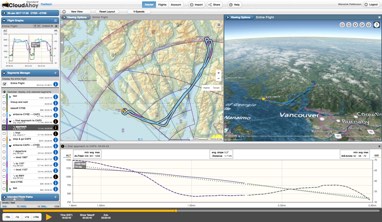
International
VFR and IFR charts worldwide: SkyVector's charts are integrated into CloudAhoy.
Learn More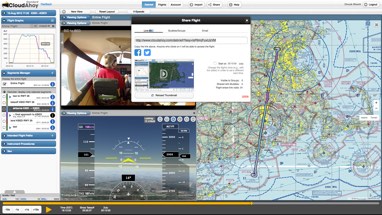
Sharing
Share a flight with your passengers. Share your solo flight with your CFI. Share your flight on Facebook or Twitter.
Learn More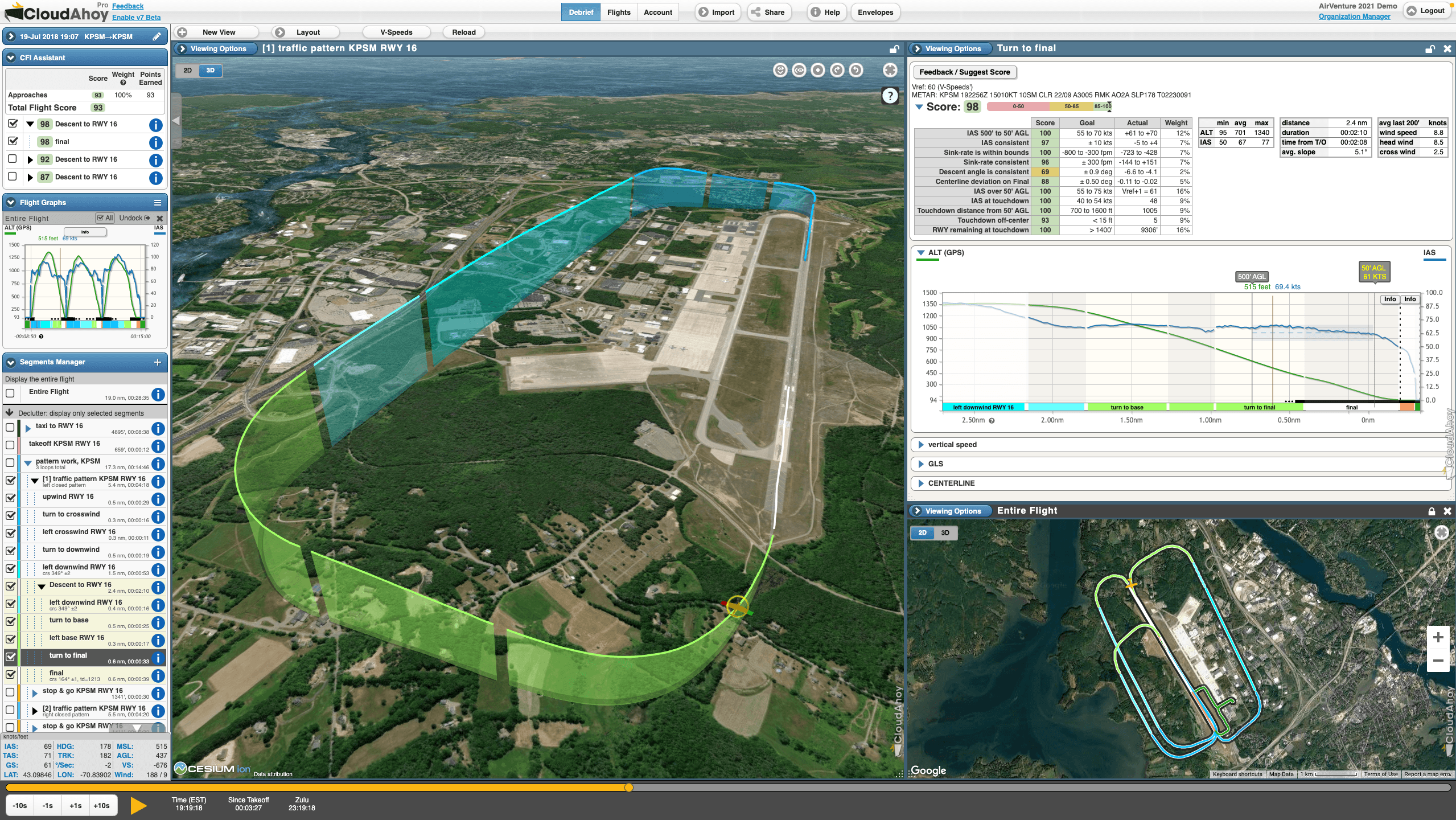
Stabilized Approach
Quickly find the the approach in the Segments list. See at a glance how stabilized it was.
Features used:
- Approach segments annotated for quick-find
- Auto segmentation, decluttering
- Stability Score including problem areas (requires CloudAhoy Pro)
- Segment info with one-click: ALT & IAS vs. distance, avg. slope
- 3D Track View see your flight path from any angle
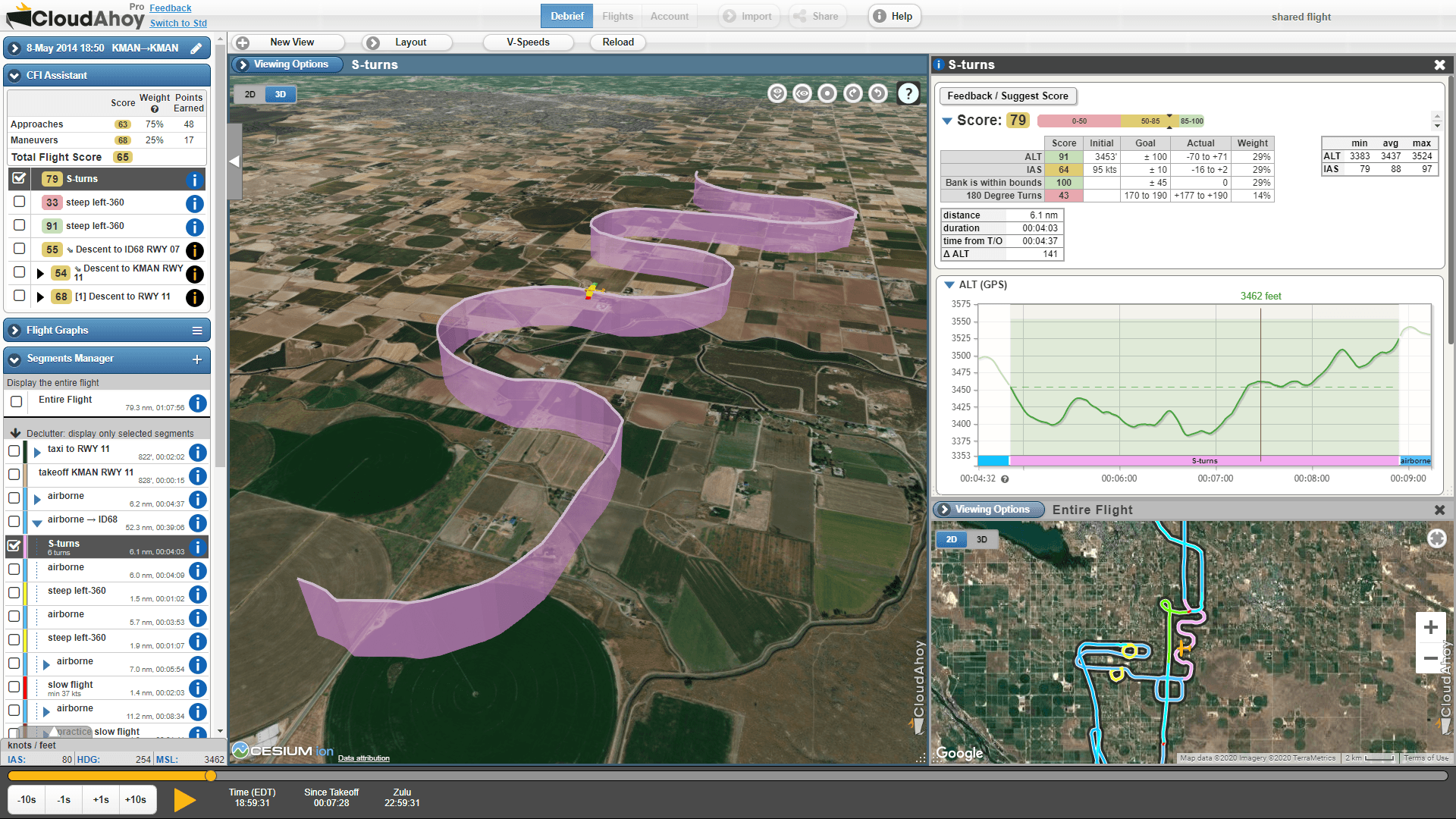
Flight Training / Flight Practice
Student, CFI or pilot's self-improvment: get an objective and quantitative review of your flight. Get the most out of your air time and apply the knowledge gained to the next flight.
Features used:
- Segments list and declutter to focus on a specific maneuver
- Segment Info displays pertinent graphs and stats
- 3D Track, displayed from any point of view
- Maneuver Score, including problem areas (requires CloudAhoy Pro)
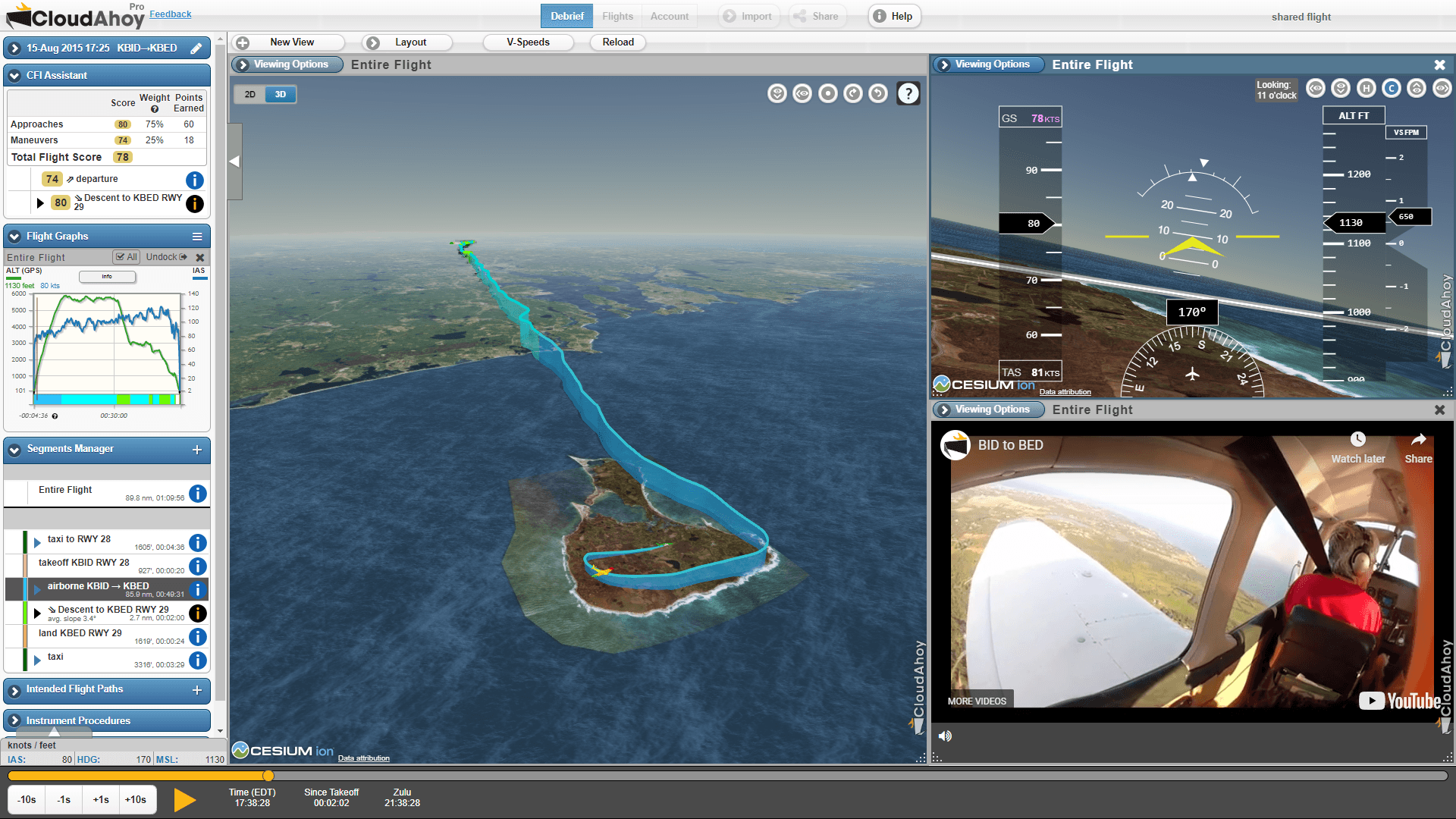
Flying for Fun / Destination
We pilots love to relive our airborne moments. Add Cockpit View (synthetic vision) and point it forward, left, backward or any other way. Embed one or two videos. Overlay glass gauges. Set the time, click the Play button and enjoy!!
Features used:
- Cockpit View (synthetic vision) relive your flight from the cockpit
- Video (including audio) sync recorded video to play back alongside your debrief
- Glass gauges
- 3D track view
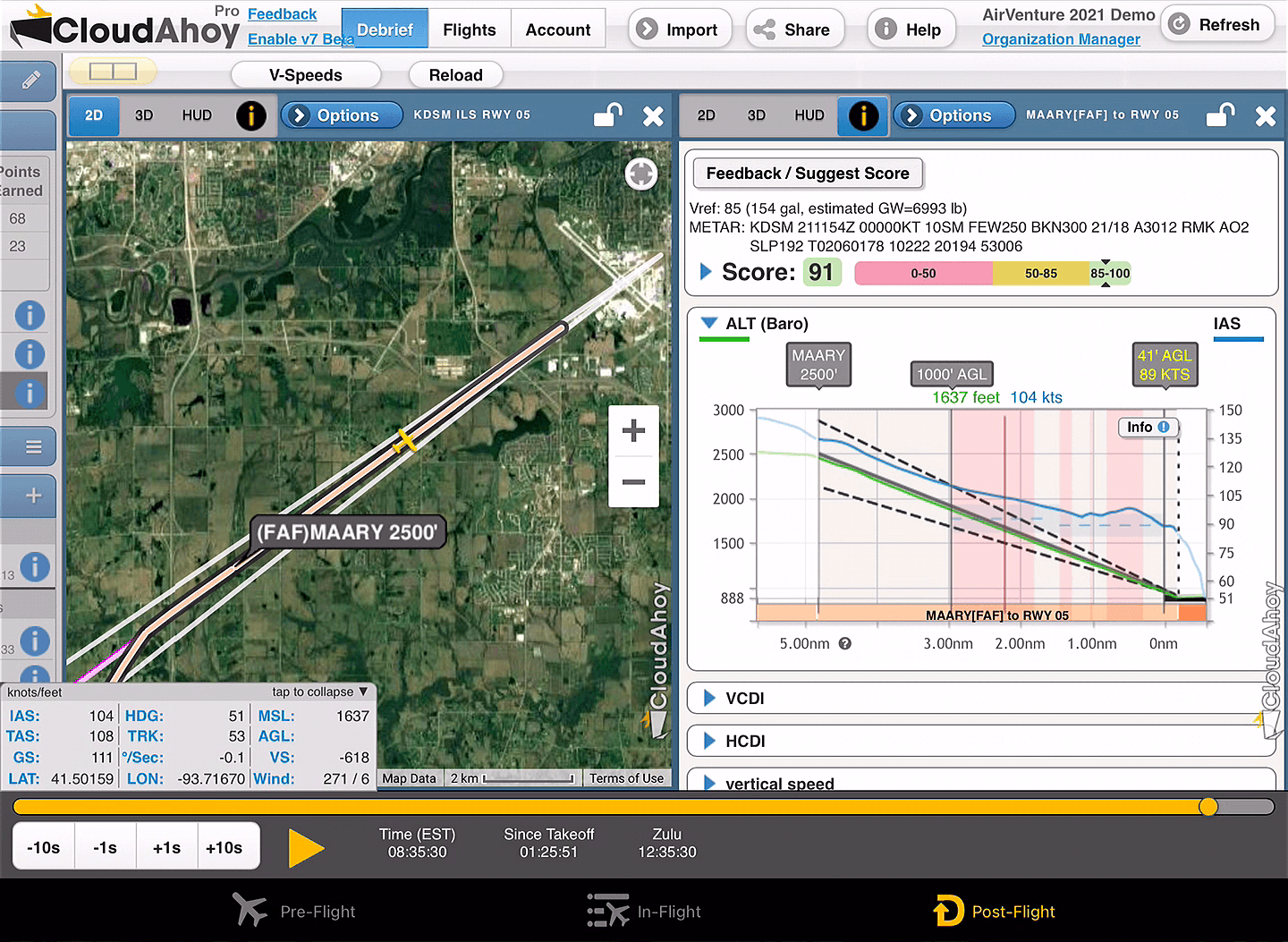
IFR - Training and Currency
Check your lateral and vertical accuracy. See how stabilized the approach was. Compare your path to the published approach, using our color-coded 2D and 3D overlay.
Features used:
- Auto identification of instrument approaches
- Approach Score including problem areas (requires CloudAhoy Pro)
- Profile View including waypoints (requires CloudAhoy Pro)
- Decluttering to show only one approach
- Display one or all transitions, plus feeder routes
- Segment Info shows how stabilized the approch was
- Check your altitude at selected points, e.g., FAF
- Wind barbs
- iPad View debrief using a touch optimized interface
- GS, IAS, TAS, Wind and more - displayed numerically
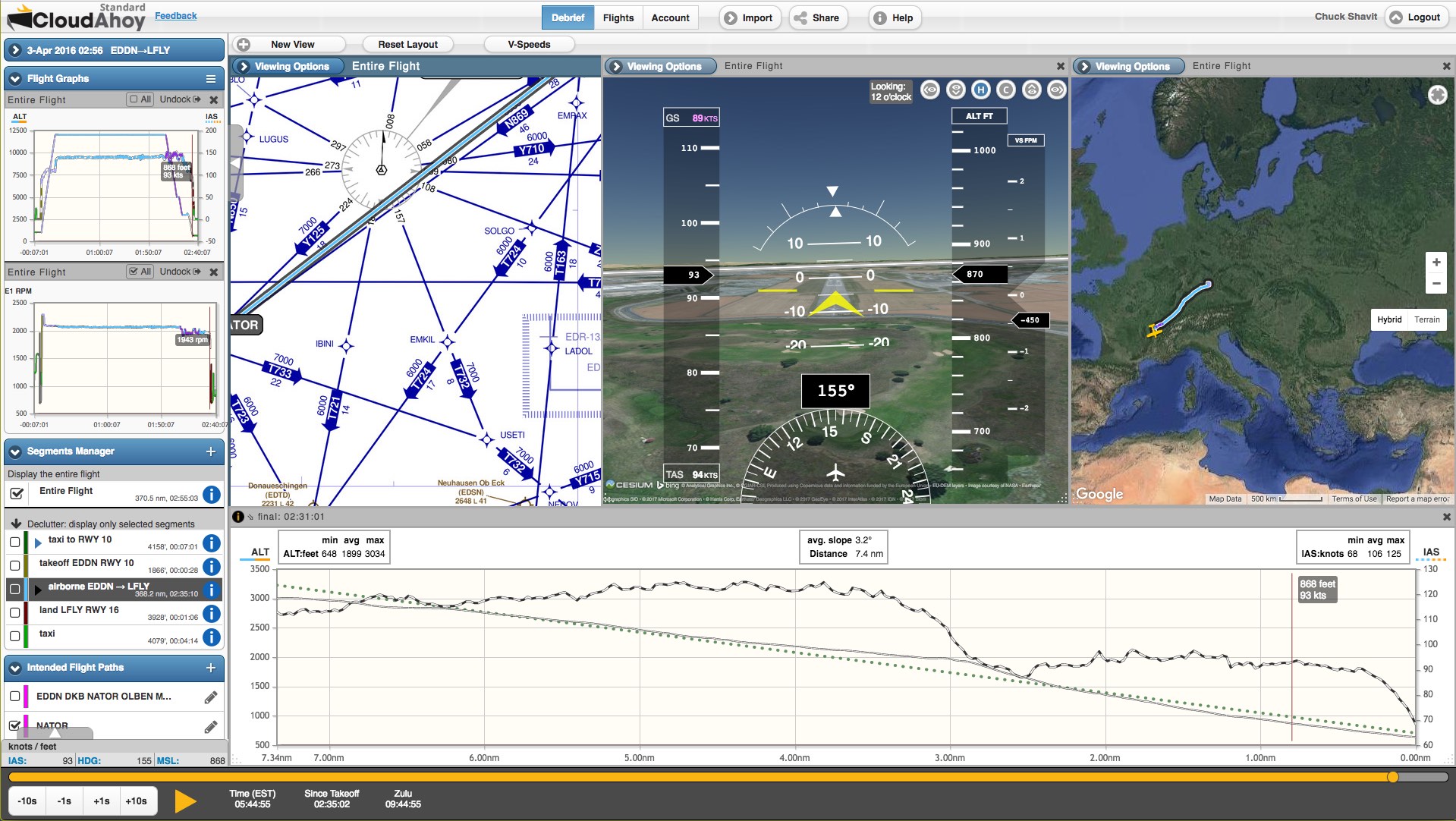
International
Use VFR and IFR charts to debrief your flights anywhere in the world. Check your VFR airspaces navigation, or the accuracy of flying in IMC. We use SkyVector's charts.
Features used:
- U.S. Sectional, and worldwide VFR charts
- IFR-Lo and IFR-Hi charts
- Charts displayed in 2D and in 3D
- Satellite photos and topo overlay
- Worldwide waypoints in Intended Flight Paths
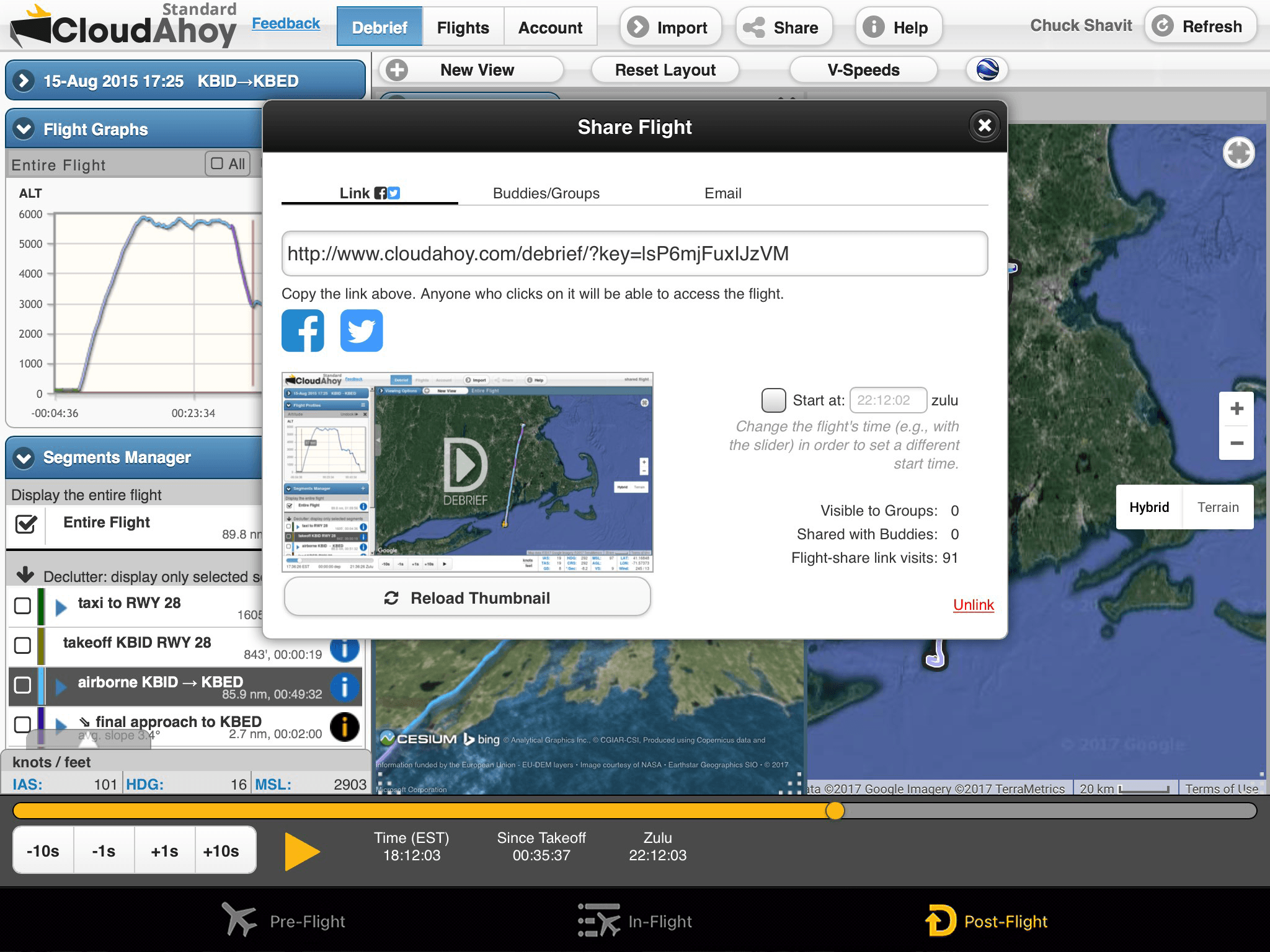
Sharing
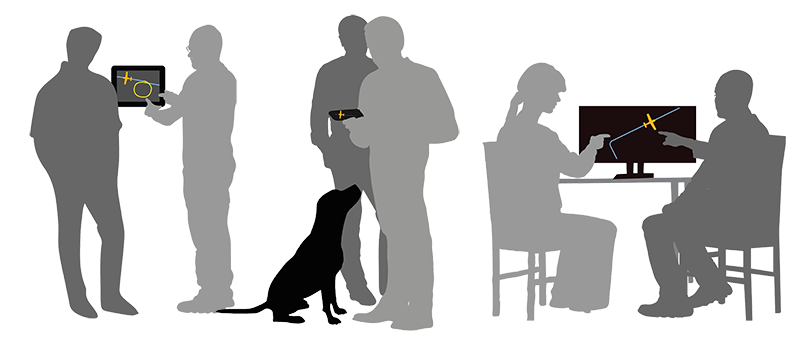
Share your flight socially, with your passengers and friends. Share with your co-pilot, with your flight instructor or with your student. Share for fun, or share for flight review.
Features used:
- Auto-share with your co-pilot / CFI / student
- Share with another CloudAhoy buddy
- Share with a group of pilots
- Post your flight on Facebook or Twitter
- Email a link to the flight to your friends, family, and instructor
- Include a web link to the flight in a blog
2-minutes on:
Logging and Importing Flights
Data Aquisition - Logging Flight Data
CloudAhoy can take flight data from many different sources, and the list keeps growing.
Mobile Apps: CloudAhoy on iOS & Android • ForeFlight • FlyQ EFB • Garmin Pilot • SkyDemon
External Devices: Bad Elf • DualGPS • Stratus • Sentry • Stratux
Avionics: Garmin G1000 / G3000 / G3X / G300 / G5 • Cirrus Perspective • Avidyne IFD • Dynon EFIS • GRT EFIS
Simulators: Redbird • X-Plane 11 • Prepar3D • Microsoft Flight Simulator
And More: KML, GPX, & IGC Files
